> ## Content Index
> Fetch the complete content index at: https://lucent.blog/llms.txt
> Use this file to discover other available public pages before exploring further.
# 实现个人免签支付宝收款(官方回调通知)-代码开发
- URL: https://lucent.blog/shi-xian-ge-ren-mian-qian-zhi-fu-bao-shou-kuan-guan-fang-hui-diao-tong-zhi-dai-ma-kai-fa/
- Published: 2020-05-25T04:26:35.000Z
- Updated: 2026-08-21T00:49:54.000Z
- Author: Lucent
- Tags: 支付宝
**开发之前需要先引入依赖**
```
com.alipay.sdk
alipay-sdk-java
3.7.26.ALL
```
## 代码
**我使用的是SpringBoot+SpringMVC+Mybatis-Plus开发**
##### Controller
```
@RestController
@RequestMapping("pay")
public class PayController {
@Autowired
AliPayService aliPayService;
/**
* 生成二维码接口
* @param payLog
* @return 二维码链接
*/
@PostMapping("alipay/qr")
public Map makeAliPayQrCode(@RequestBody PayLog payLog){
return aliPayService.getQrCode(payLog);
}
/**
* 查询支付状态接口
* 支付成功返回true
* @param orderId
* @return
*/
@GetMapping("alipay/status")
public Boolean queryAliPayStatus(String orderId){
return aliPayService.queryPaymentStatus(orderId);
}
/**
* 支付宝支付成功回调接口
* @param out_trade_no
* @param trade_status
*/
@RequestMapping("alipay/notify")
public void notify(@RequestParam(required = false)String out_trade_no,@RequestParam(required = false)String trade_status){
aliPayService.callBack(out_trade_no,trade_status);
}
}
```
##### Service
```
/**
* @author Lucent
*/
@Service
public class AliPayService {
/**
* 私钥
*/
private static final String PRIVATE_KEY = "你生成的支付宝私钥";
/**
* 公钥
*/
private static final String PUBLIC_KEY = "你生成的支付宝公钥";
/**
* 应用ID
*/
private static final String APP_ID = "APPID";
/**
* 回调通知接口链接
*/
private static final String NOTIFY_URL = "http://url/alipay/notify";
/**
* 支付宝api
*/
private static final String ALI_PAY_API = "https://openapi.alipay.com/gateway.do";
/**
* 支付宝支付成功状态
*/
private static final String ALI_PAY_SUCCESS = "TRADE_SUCCESS";
@Autowired
IPayLogService payLogService;
/**
* 生成二维码链接
* @param payLog
* @return
*/
public Map getQrCode(PayLog payLog){
payLog.setCreateTime(DateUtils.getTimeNow());
payLog.setId(DateUtils.getSystemNumber()+ RandomCodeUtil.getRandomString(5));
Boolean i = payLogService.save(payLog);
if (i){
AlipayClient alipayClient = new DefaultAlipayClient(ALI_PAY_API, APP_ID,PRIVATE_KEY,"json","GBK",PUBLIC_KEY,"RSA2");
AlipayTradePrecreateRequest r = new AlipayTradePrecreateRequest();
//设置请求参数
AliPayRequestEntity aliPayRequestEntity=new AliPayRequestEntity();
aliPayRequestEntity.setOut_trade_no(payLog.getId());
aliPayRequestEntity.setTotal_amount(payLog.getMoney().toString());
aliPayRequestEntity.setSubject("Depth游戏加速器");
r.setBizContent(JsonUtil.objToJson(aliPayRequestEntity));
// 设置通知回调链接
r.setNotifyUrl(NOTIFY_URL);
AlipayTradePrecreateResponse response=null;
try {
response = alipayClient.execute(r);
} catch (AlipayApiException e) {
e.printStackTrace();
}
if (!response.isSuccess()){
throw new CustomException(0,"0","调用支付宝接口失败,请反馈!");
}
Map result = new HashMap<>(16);
result.put("id", payLog.getId());
result.put("qrCode", response.getQrCode());
return result;
}
return null;
}
/**
* 查询支付宝订单状态
* 支付成功返回true
* @param orderId
* @return
*/
public Boolean queryPaymentStatus(String orderId){
AlipayClient alipayClient = new DefaultAlipayClient(ALI_PAY_API, APP_ID,PRIVATE_KEY,"json","GBK",PUBLIC_KEY,"RSA2");
AlipayTradeQueryRequest request = new AlipayTradeQueryRequest();
AliPayRequestEntity aliPayRequestEntity=new AliPayRequestEntity();
aliPayRequestEntity.setOut_trade_no(orderId);
request.setBizContent(JsonUtil.objToJson(aliPayRequestEntity));
AlipayTradeQueryResponse response = null;
try {
response = alipayClient.execute(request);
} catch (AlipayApiException e) {
e.printStackTrace();
}
if(response!=null&&response.isSuccess()&&ALI_PAY_SUCCESS.equals(response.getTradeStatus())){
return true;
}
return false;
}
/**
* 支付宝支付成功回调
* @param out_trade_no
* @param trade_status
*/
public void callBack(String out_trade_no,String trade_status){
if (ALI_PAY_SUCCESS.equals(trade_status)){
QueryWrapper wrapper=new QueryWrapper<>();
wrapper.eq("id",out_trade_no);
PayLog payLog=payLogService.getOne(wrapper);
if (null!=payLog&&payLog.getState()==1){
return;
}
payLog.setState(1);
payLogService.updateById(payLog);
}
}
@Data
private class AliPayRequestEntity {
private String out_trade_no;
private String total_amount;
private String subject;
}
}
```
##### Entity
```
/**
* 订单
* @author Lucent
* @since 2020-05-15
*/
@Data
@EqualsAndHashCode(callSuper = false)
@Accessors(chain = true)
@TableName("payLog")
public class PayLog implements Serializable {
private static final long serialVersionUID = 1L;
@TableId(value = "id")
private String id;
private String createTime;
private BigDecimal money;
}
```
**以上这些代码即可实现免签支付收款**
## 测试
##### 生成二维码
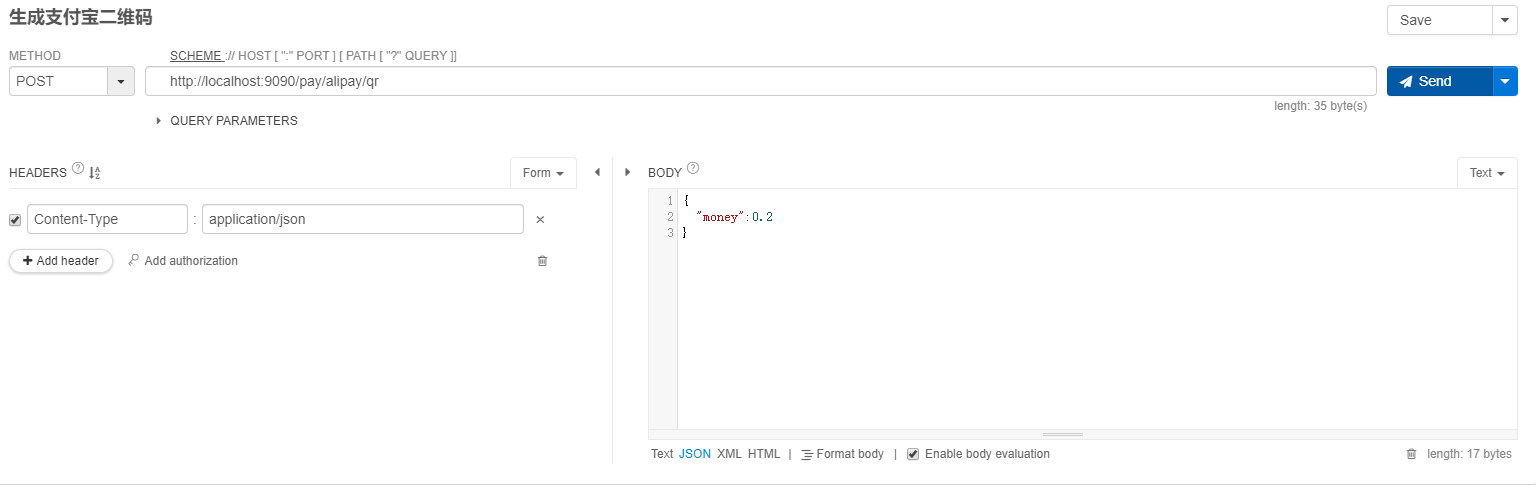
**链接即为二维码,在前端渲染出来给用户扫码即可**
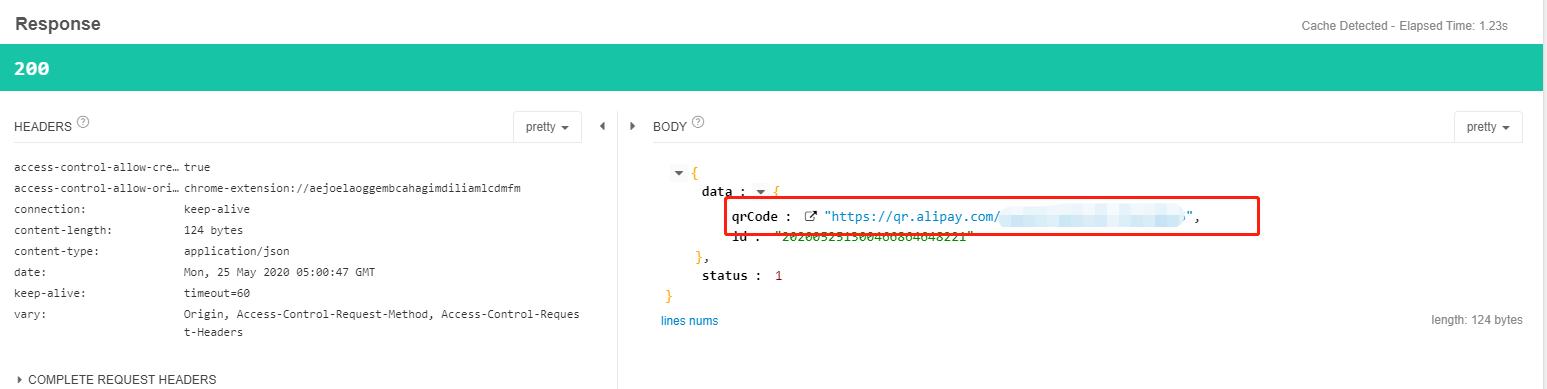
**渲染完成**

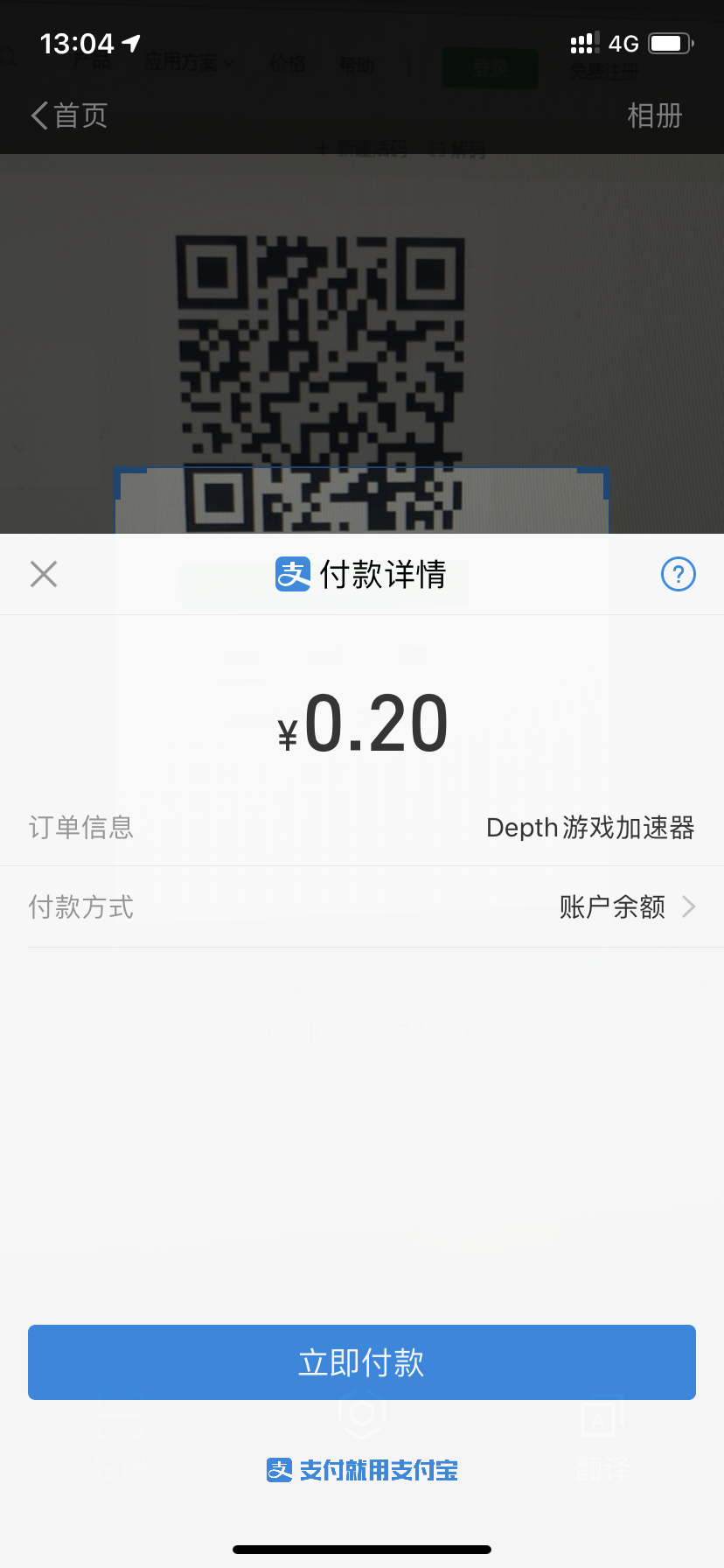
**扫码效果**
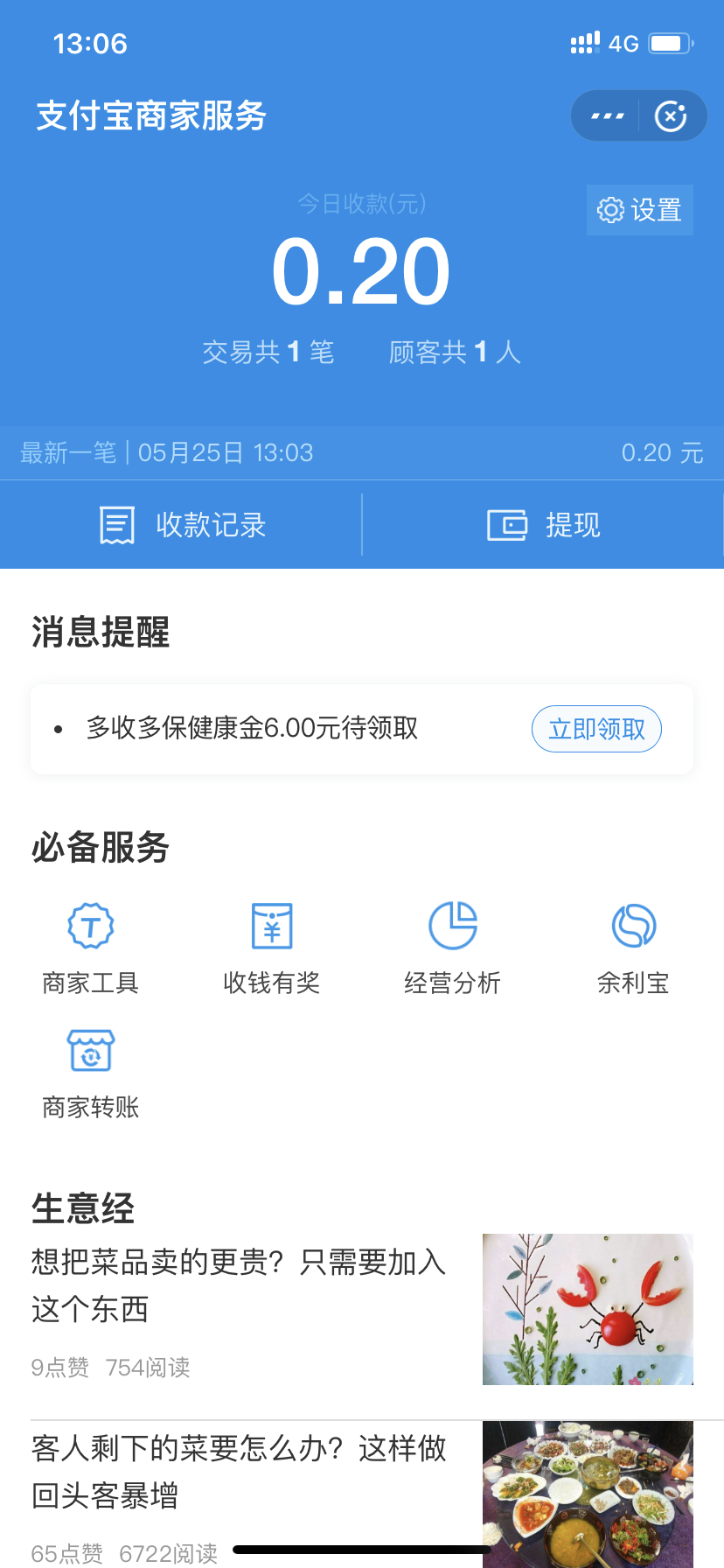
**支付完成**
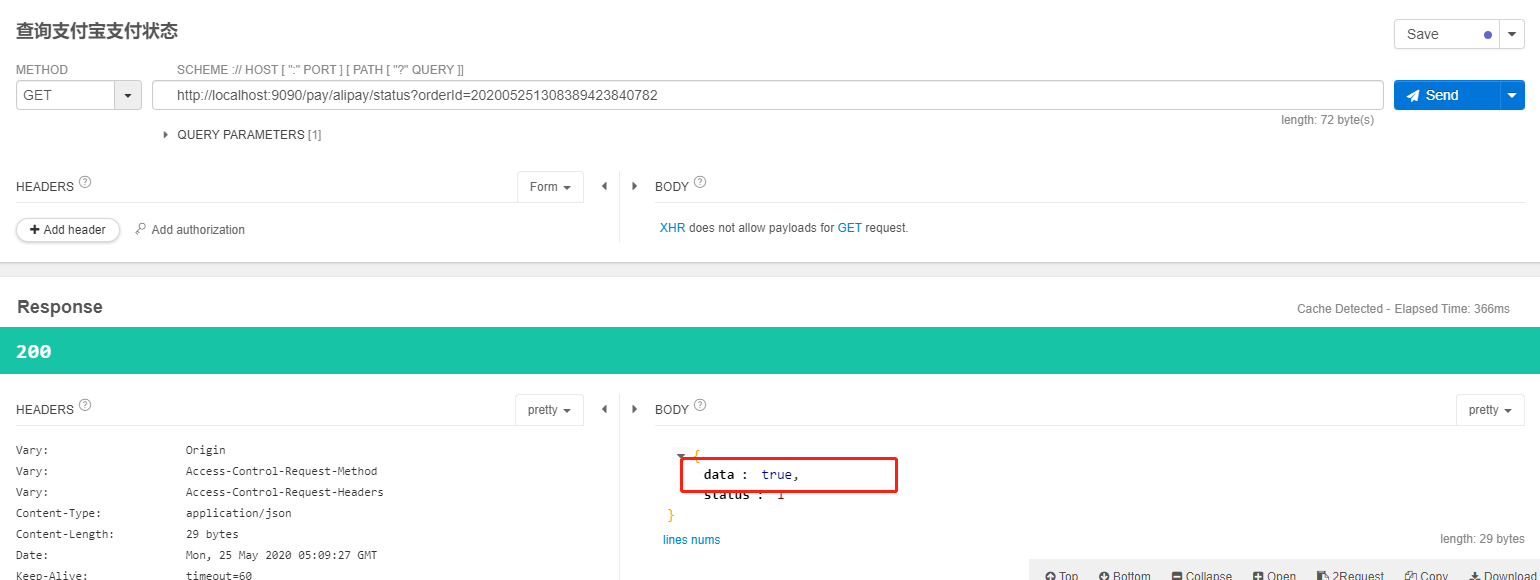
**查询支付状态**
返回true即为已支付
`支付完成之后支付宝官方也会对你填写的回调地址进行一次通知,通知你的服务器收款到账`
如果想要保证正常接收支付宝的通知,服务器一定要有公网ip,否则只能主动发起查询